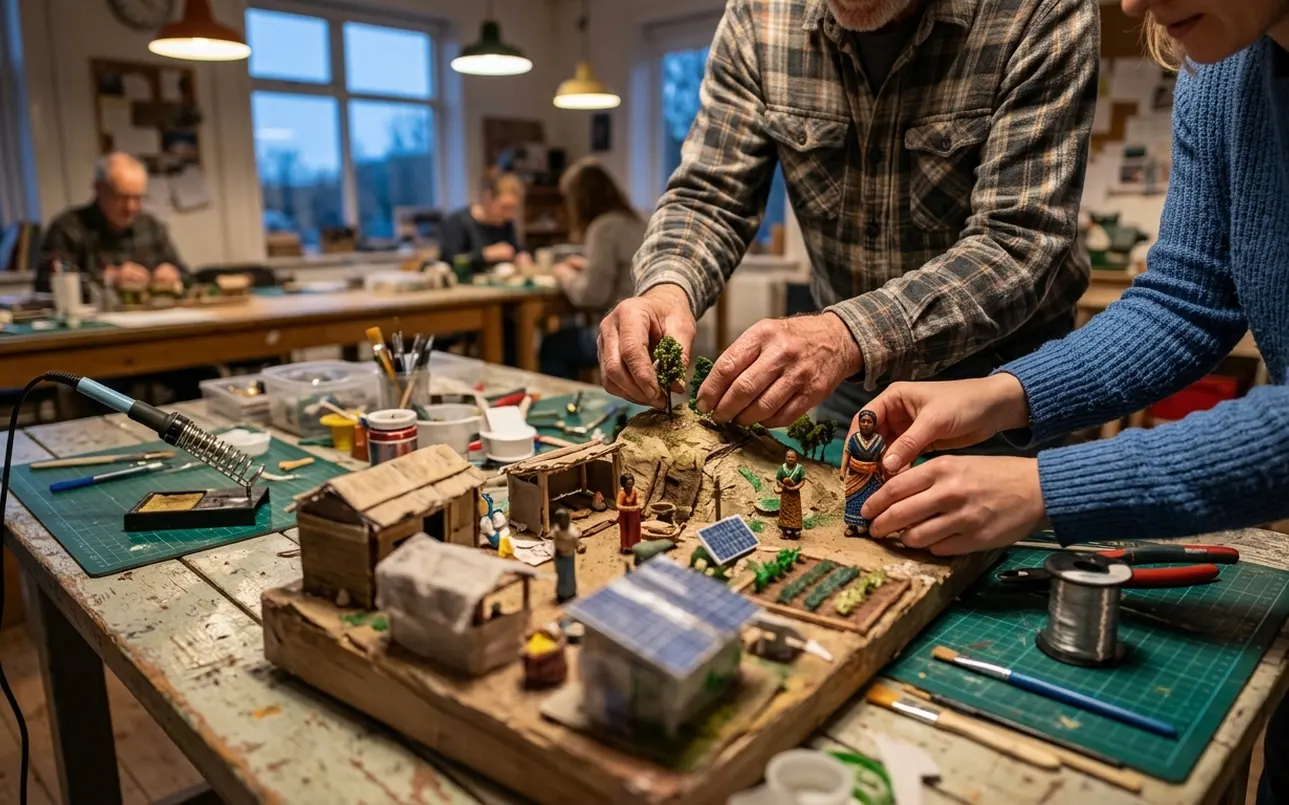
Key Takeaways: Build the Tour Backward from Learning Use
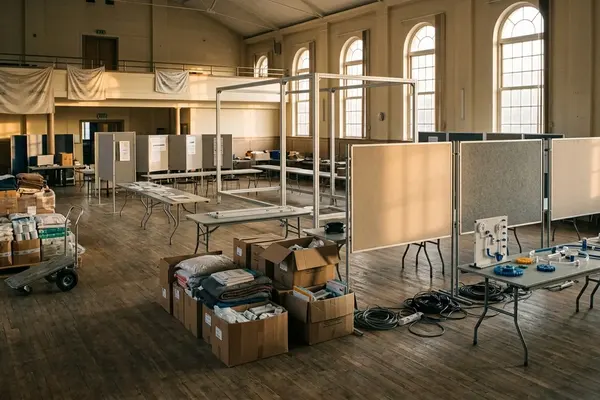
I start every virtual tour project by writing the debrief questions first. That single habit keeps the whole thing from turning into a digital wander through someone else’s hardship.
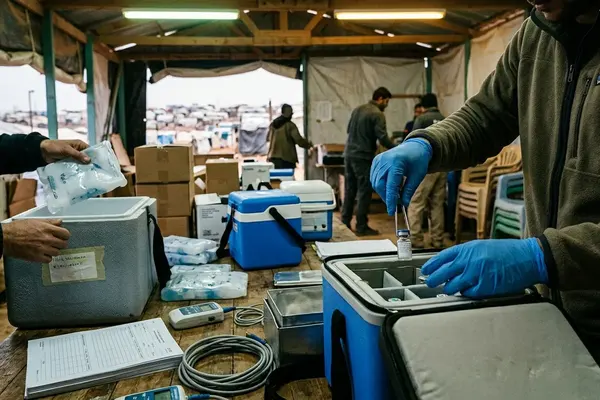
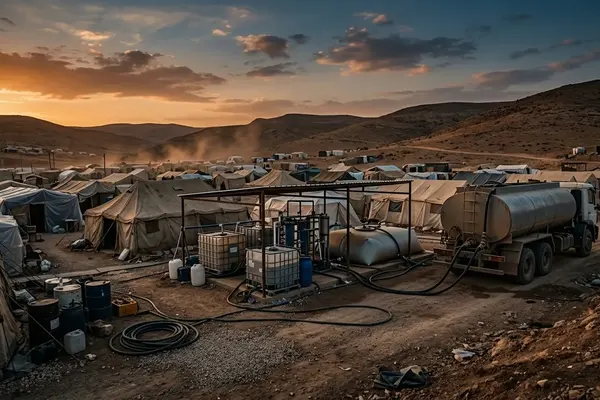
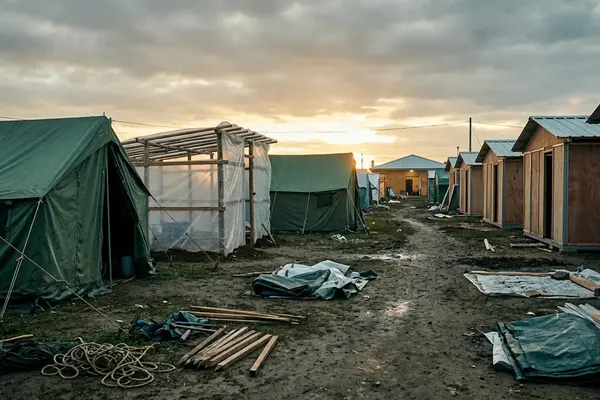
A humanitarian virtual tour works best when it functions as a structured teaching tool. It can surface shelter constraints, water access points, sanitation realities, health service flows, protection concerns, and logistics bottlenecks. It cannot stand in for being on site.
The rule I return to is simple: every scene must answer a learning question.
Start with the Learning Problem, Not the Technology
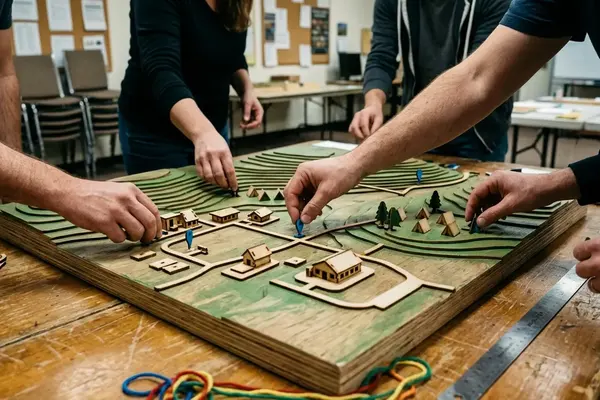
Before any camera leaves its case, I ask who will use the tour. Secondary students need different pacing than humanitarian trainees or journalists. University classes often want decision-making practice; public audiences usually start with basic awareness.
I write three to five learning outcomes before choosing equipment or locations. Awareness goals favor shorter scenes and lighter narration. Technical training goals require process detail and time for annotation. Decision-making goals benefit from facilitator prompts that invite comparison across stops.
Set Ethical Boundaries Before Selecting Scenes
Consent and dignity shape the shot list long before we reach the field. We avoid identifiable faces, medical consultations, child-focused scenes, security infrastructure, registration areas, and shelter interiors unless documented permission and a clear educational purpose exist.
Anonymization reaches beyond faces. Location names, signage, case details, and voice recordings can all reveal identities or operational patterns. The ethics review board required us to frame shots from the chest down or from behind when people appeared, and to maintain minimum distances from medical triage and unaccompanied minor areas.
Map the Visitor Route Around Camp Functions
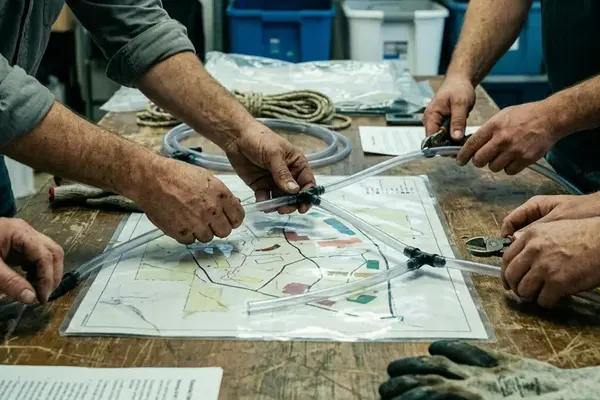
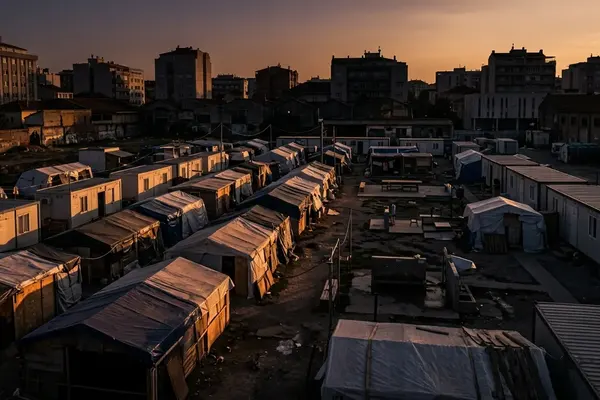
Rather than follow a random path, I organize stops around core functions: arrival context, shelter layout, water access, sanitation, food distribution, health services, waste management, and coordination points.
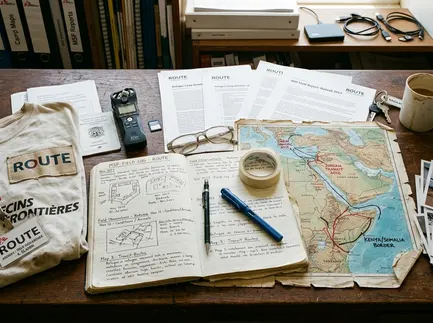
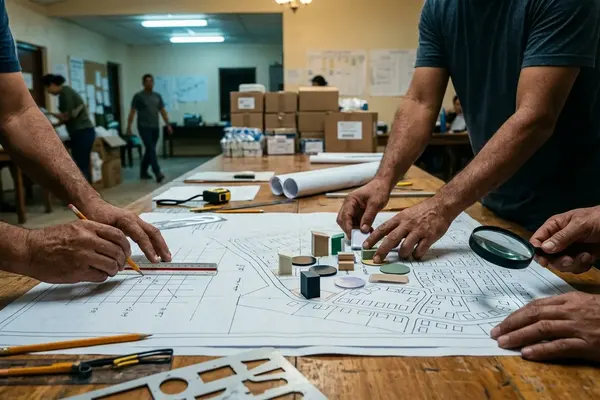
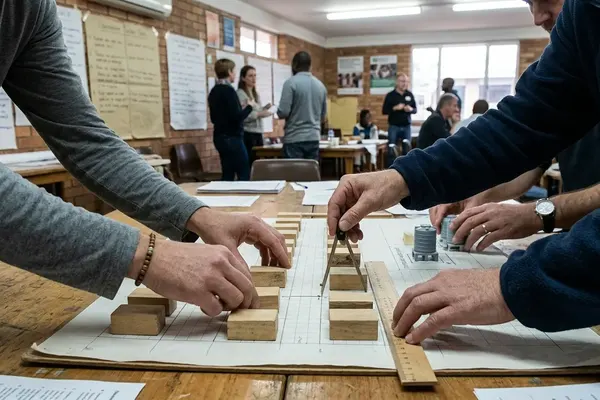
Modular design lets educators trim the route for an introductory class or expand it for practitioner training. For each stop I prepare a scene card that lists the learning goal, visual elements, narration points, risks to avoid, required permissions, and facilitator questions.
Capture Field Material with a Documentation Plan
Site permissions, a tight shot list, consent checks, encrypted storage, metadata notes, and a pre-publication review form the workflow. Static 360-degree stills give spatial orientation with less intrusion than continuous video. Short video clips handle process flows when needed. Ambient audio adds context without requiring constant narration.
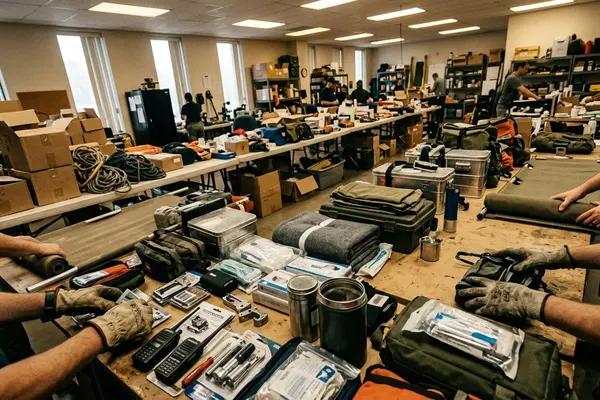
Equipment stays minimal: a tripod-mounted 360 camera at roughly eye level, a directional microphone only where appropriate, a field notebook, spare batteries, and encrypted drives. We limit time in any single zone to reduce disruption. One limitation surfaces quickly—static images cannot show water flow rates or crowd movement during distributions, so we add short video inserts for those moments.
Add Interpretation, Accessibility, and Guided Reflection
Each stop carries a plain-language narration track plus an optional technical overlay. Glossary terms, hotspot captions, and facilitator prompts sit behind the primary view so learners are not overwhelmed. Accessibility elements—captions, transcripts in the main regional languages, keyboard navigation, and sufficient contrast, are planned from the start rather than added later.
Facilitate the Tour as a Lesson, Not a Standalone Exhibit
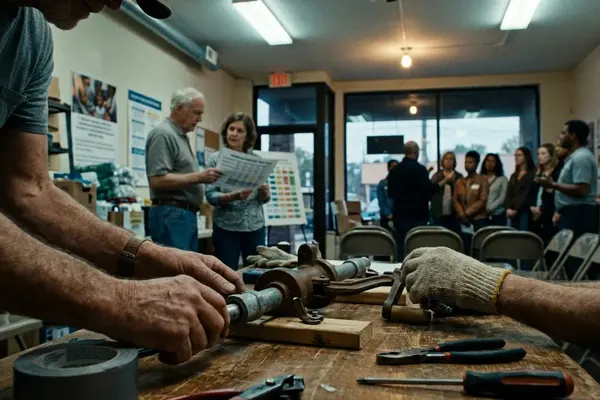
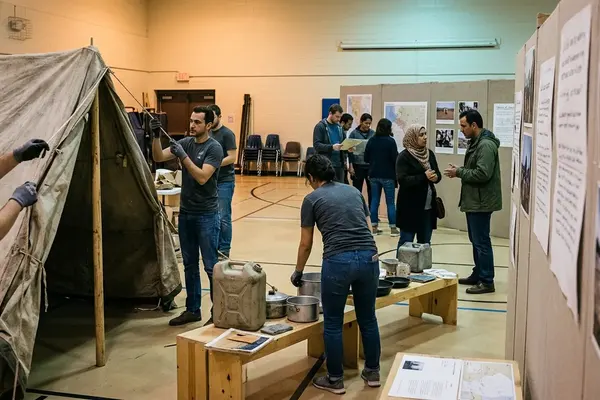
Educators open with a short briefing that covers purpose, sensitivity, and the difference between observation and assumption. The pattern we use is consistent: pre-brief, guided tour, structured debrief. Students might identify basic needs during debrief. Practitioners examine response trade-offs. Journalists discuss what additional context they would seek before reporting.
Scope and Limits: What a Virtual Tour Cannot Prove
The tour remains a curated educational representation. It is not a needs assessment, monitoring report, legal record, or complete picture of camp life. Conditions shift with season, funding, security, and governance. We timestamp every tour and schedule archival review so users understand the capture date. Public standards such as the Sphere Handbook minimum standards can guide interpretation, yet they do not verify current conditions without fresh field data.